Tripadvisor · Squarespace
Works on SquarespaceTripadvisor reviews widget for Squarespace.
Squarespace is the default for small hotels, B&Bs and restaurants that want something handsome without hiring anybody — and every one of them has a Tripadvisor listing doing the persuading.
The carousel is usually the right one here
A Squarespace booking page is usually one long scroll, and a carousel gives it social proof in a fixed height rather than another screenful.
Better than the photos
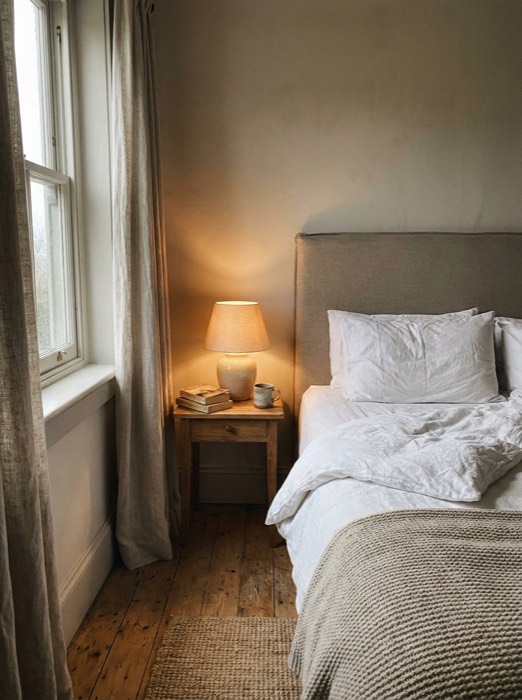
 Rachel WhitfieldJul 11, 2026
The staff made the trip
 Yusuf DemirJun 29, 2026
Lovely stay, thin walls
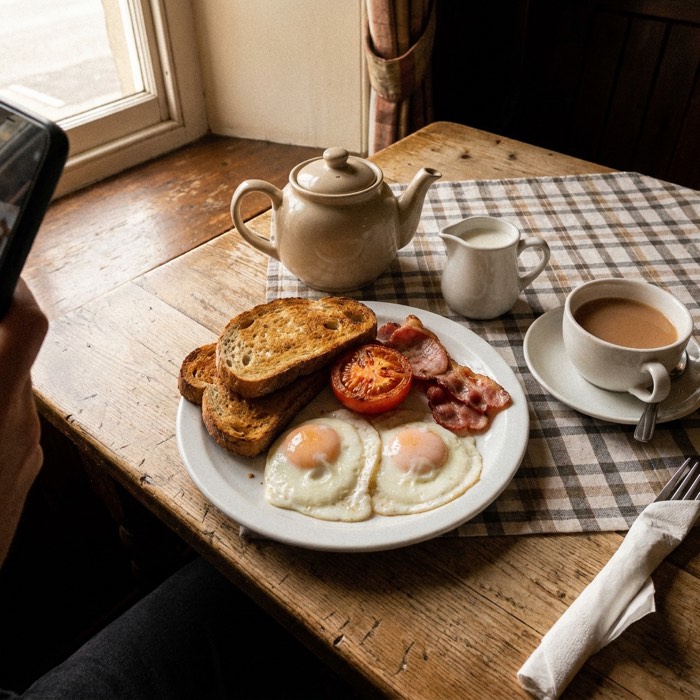
 Clara NguyenJun 14, 2026
Third year running
 Ian SutcliffeMay 26, 2026
Worth the detour
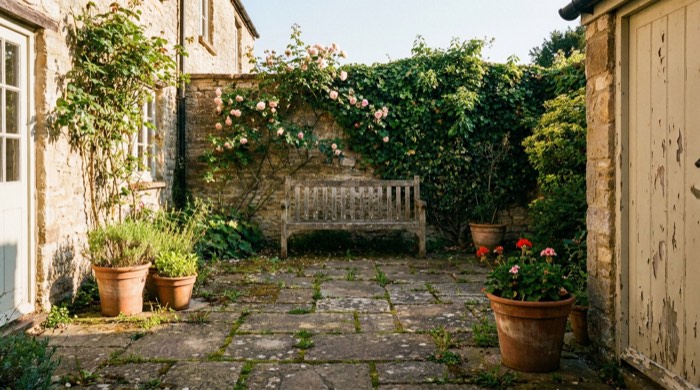
 Margaret ColeMay 9, 2026
Breakfast is not an afterthought
 Stefan BauerApr 25, 2026
Sample Tripadvisor reviews, drawn by the real widget. Yours replace them once you connect your listing.
What is different about Squarespace.
A Code block on the page where people book is the whole installation.
No Squarespace app exists. The embed works everywhere on the platform; it is not a native integration and this page will not pretend otherwise.
How it installs
Add a Code block where the reviews should appear and paste the embed code. Code blocks only render on the published site.
Layouts you can use
8 of ReviewsJet’s 9 — every layout except the product widget, which needs a Wix store.
Add the Slider widget to your Squarespace site
- 01
Add a Code block
Edit the page, click an insert point, and choose "Code".
- 02
Paste the embed code
Paste this into the Code block and apply:
<script async src="https://cdn.reviewsjet.com/@FlexByt/widgets/embedded-widgets/bundle.js"></script> <reviewsjet-slider id="your-site-id" platform="others"></reviewsjet-slider> - 03
Save
Save the page. Code blocks only render on the live site, so open your published page to check.
Tripadvisor and Squarespace, specifically.
- Where should I put it?
- Directly above whatever takes the booking. Reviews are most persuasive at the moment somebody is deciding, not at the bottom of the page.
- Will the photographs work?
- Yes, where a review has them. On a small screen they become thumbnails that open at full size.
Related
Tripadvisor elsewhere
Other reviews on Squarespace
Widget layouts
Free tools
Put your Tripadvisor reviews on Squarespace.
Free plan, no card. Connect your listing, choose what goes live, and paste one line into your site.