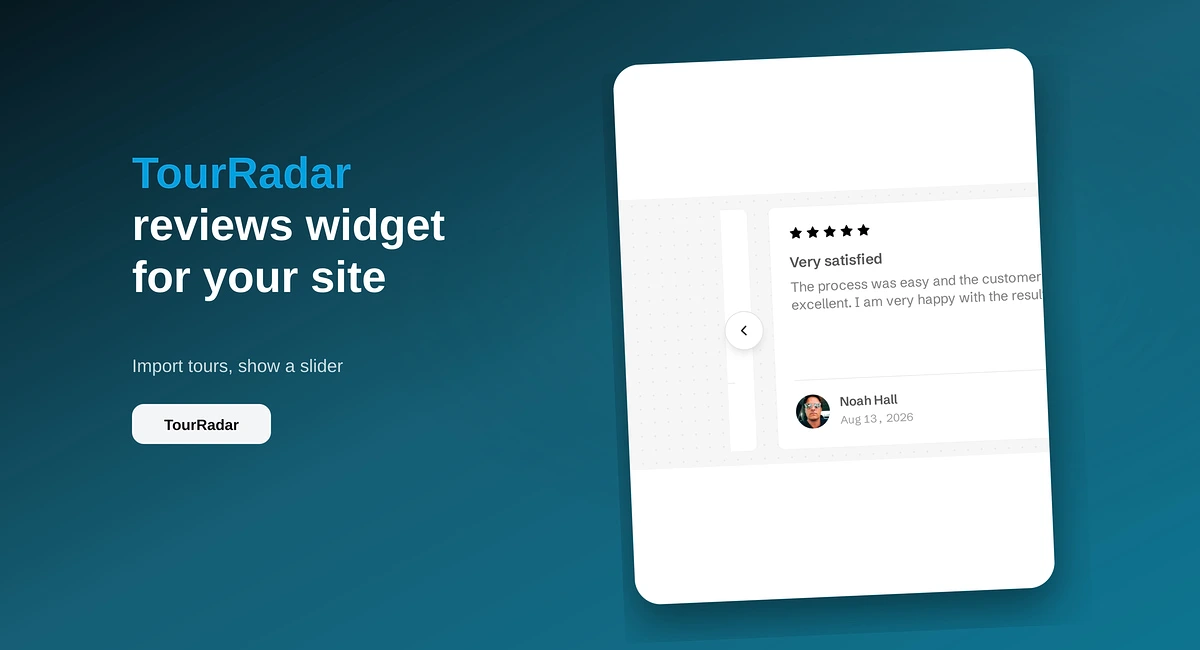
TourRadar Reviews Widget for Your Website
Put TourRadar operator reviews on your direct booking site with ReviewsJet. Chrome extension import, publish, and embed a slider widget.
Import AliExpress product reviews with the ReviewsJet Chrome extension, publish photo reviews, and embed a masonry widget on your site.
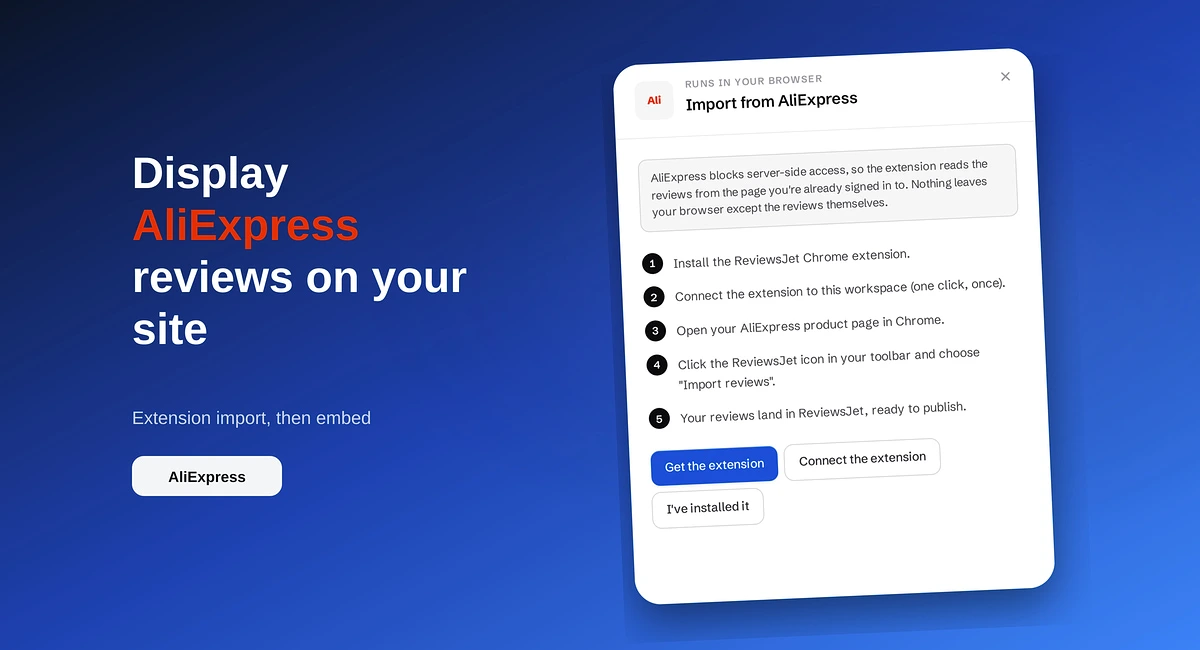
AliExpress product pages often carry photo reviews that a new storefront does not have yet. Those pictures and star ratings sit on AliExpress while your own product page still looks empty.
You can display AliExpress reviews on your site with ReviewsJet. Open the product page in Chrome, run the ReviewsJet extension, publish the reviews you want, and embed a masonry widget that handles photos well. This is not a paste-a-link connect flow. Widgets are unlimited on every plan. See pricing for published-review limits.
Buyers on a new site have no history with you. A written star rating helps. A photo of the item in someone’s hands helps more. If those photos already exist on AliExpress for the same SKU, reuse them on the page that asks for the sale.
You stay in control of which reviews go live. You can drop weak or off-topic comments before they hit the site.
In ReviewsJet Collect, open AliExpress and follow the extension steps. Install from the Chrome Web Store if you have not already. Sign in to AliExpress, open the product page that has the reviews you want, and run the extension so those reviews move into your library.
There is no automatic daily sync for AliExpress. Run the extension again when you want newer reviews.
Open Reviews. Publish the photo-heavy and clear comments that match the product you sell on your own site. Leave the rest unpublished.
Open Display and choose Masonry. It stacks cards of different heights, which suits reviews that include pictures. Preview, then use Get the code for WordPress, Wix, Webflow, Squarespace, Pixpa, or HTML.
Amazon sellers follow a similar extension path with a different payoff layout. That walkthrough is here: How to Show Amazon Ratings on Your Website.
Open the product page in a private window. Confirm photos load, only published reviews show, and the widget matches your theme colours if you customise on Professional or Advanced.
The extension reads the AliExpress product page you have open. A search results page, the seller dashboard, and the order list do not. If the library stays empty, open the product that already has the reviews, stay signed in, and run the extension on that page.
What lands in ReviewsJet is a copy. Publishing it on your site does not post a reply back to AliExpress. A reply you write in ReviewsJet stays on your site, and only on reviews you typed or collected with a form, not on this import. Masonry keeps the photo with the comment. A moving band crops the picture the buyer came to see.
If your store still looks new while AliExpress already has photo proof for the same item, install the extension, pull reviews from the product page, publish a short set, and embed masonry. Start free at app.reviewsjet.com. More on the seller flow sits on AliExpress reviews.
Import the reviews your customers already left, choose the ones worth showing, and put them on your site. The free plan does not ask for a card.
Put TourRadar operator reviews on your direct booking site with ReviewsJet. Chrome extension import, publish, and embed a slider widget.
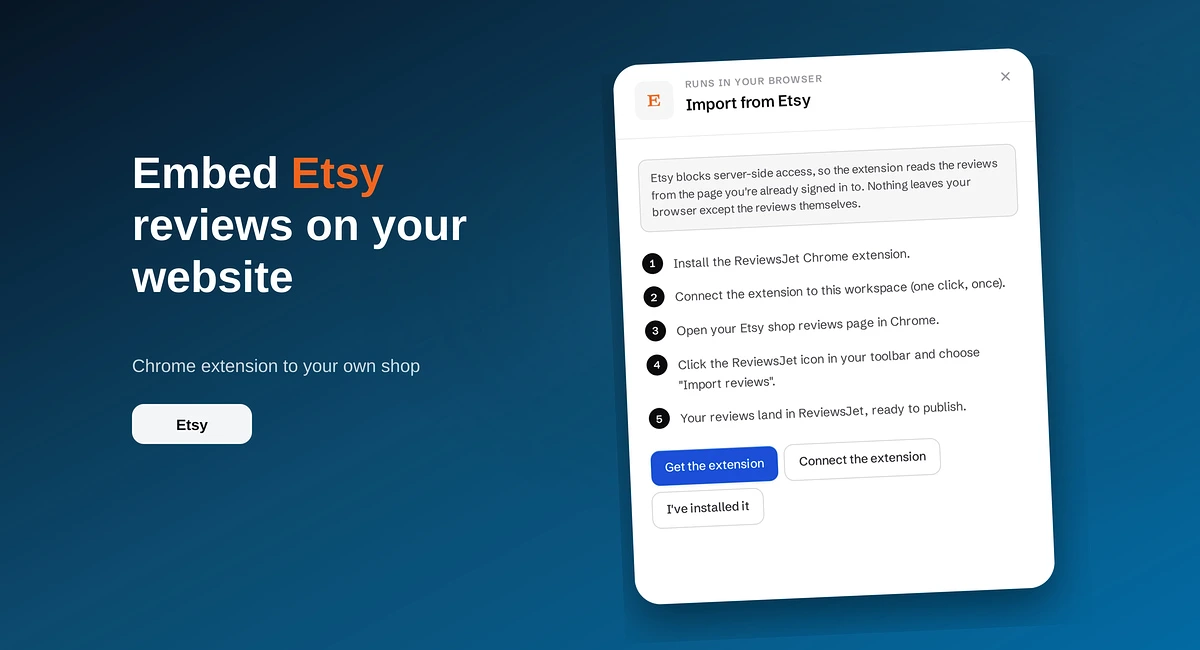
Use the ReviewsJet Chrome extension to bring Etsy shop reviews into your library, then embed a grid widget on your own site.

Paste your Airbnb listing URL into ReviewsJet, publish guest reviews, and embed a widget on your direct booking site.