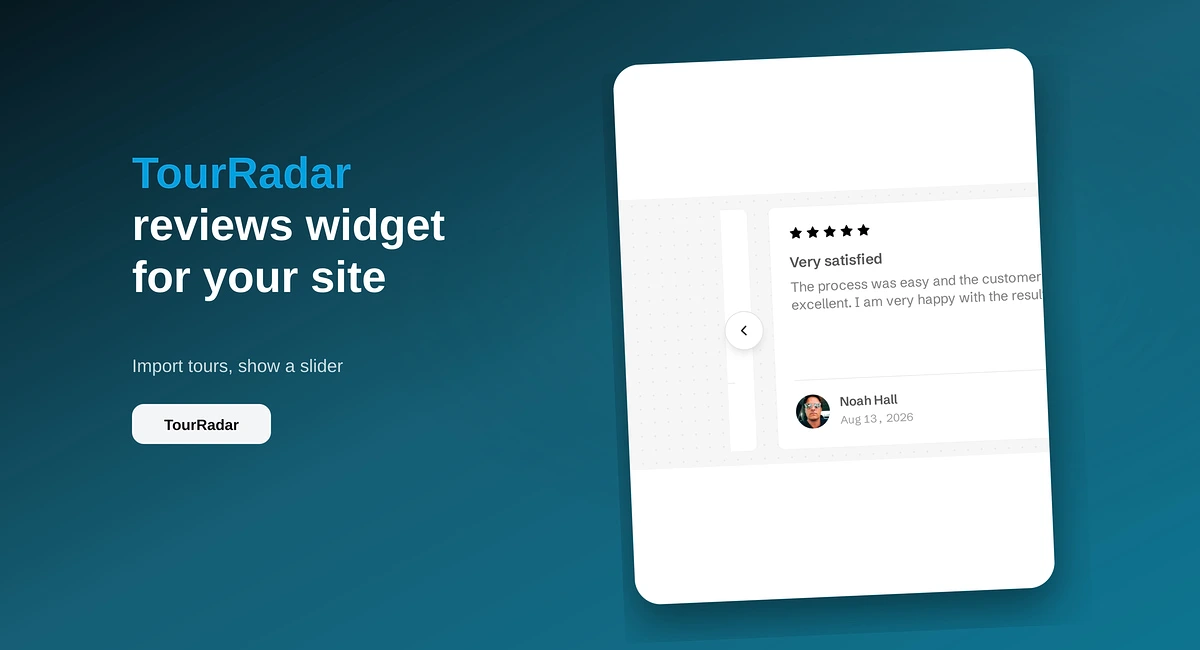
TourRadar Reviews Widget for Your Website
Put TourRadar operator reviews on your direct booking site with ReviewsJet. Chrome extension import, publish, and embed a slider widget.
Paste your Airbnb listing URL into ReviewsJet, publish guest reviews, and embed a widget on your direct booking site.

Your Airbnb guest reviews already prove people stay with you. Most direct booking visitors never see them, because those reviews live on Airbnb while the booking decision happens on your site.
You can show those reviews on your own website with ReviewsJet. Paste your listing URL, choose which reviews to publish, and embed a widget on WordPress, Wix, Webflow, Squarespace, Pixpa, or plain HTML. No Chrome extension is required for Airbnb. Widgets are unlimited on every plan. See pricing for published-review limits.
Direct booking sites win on price and flexibility. They lose when the page looks empty of proof. Guests already left public reviews on Airbnb. Putting a few of those on your property page answers the trust question without sending them back to the marketplace.
You also keep control of layout. A Maps-style embed is not the goal. You want a widget that matches your site and only shows the stays you are happy to feature.
In ReviewsJet, open Collect and choose Airbnb. Paste the listing URL. Name the connection if you manage more than one property, so each page can show the right guests later.
You can filter to higher star ratings, and you can skip ratings with no written review so blank cards do not appear on the site.
The first fetch usually takes a minute or two. Leave the panel open until it finishes.
Importing is not publishing. Open Reviews, pick the guest comments you want on the site, and publish them. Unpublished reviews stay in your library and never appear in the widget.
Open Display and try layouts. List is a clean fit for a single property page. Slider works above the fold. Masonry or grid suits a longer wall of stays. Popup keeps reviews available without owning the whole layout.
Click Get the code and pick your platform. On WordPress, install the ReviewsJet plugin and paste the shortcode. On Wix, Webflow, Squarespace, Pixpa, or other HTML, follow the install steps shown in the panel.
If you already show Google reviews elsewhere on the site, the same widget system applies. The Google walkthrough is here: Display Google Reviews on Your Website.
Connect each listing separately and name them clearly. Put the matching widget on that property’s page so guests see reviews from the place they are booking, not a mix from other homes.
Airbnb connects from the room URL, the one with /rooms/ in it. A search, a wish list, and a host profile import nothing. Paste the listing this page is about, and name the connection when you have more than one home.
A widget shows the published reviews for the connection you placed on that page. If two listings are published into one widget, the villa page shows the apartment's guests. Publish the stays that match this page and leave the rest unpublished. A Framer site uses the plugin instead of a pasted embed. That path is How to Display Airbnb Reviews on a Framer Website.
If you want Airbnb stays visible next to your direct booking form, start free at app.reviewsjet.com, connect one listing, publish a handful of reviews, and embed the list widget. More detail on the host flow sits on Airbnb reviews.
Import the reviews your customers already left, choose the ones worth showing, and put them on your site. The free plan does not ask for a card.
Put TourRadar operator reviews on your direct booking site with ReviewsJet. Chrome extension import, publish, and embed a slider widget.

Import AliExpress product reviews with the ReviewsJet Chrome extension, publish photo reviews, and embed a masonry widget on your site.
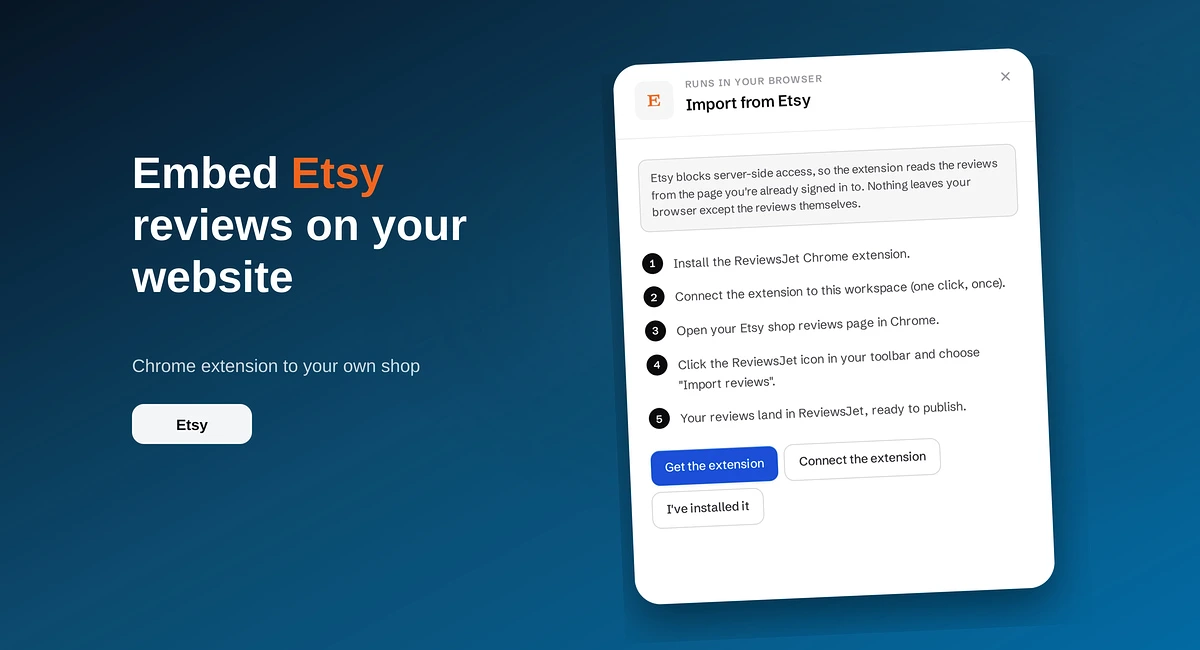
Use the ReviewsJet Chrome extension to bring Etsy shop reviews into your library, then embed a grid widget on your own site.