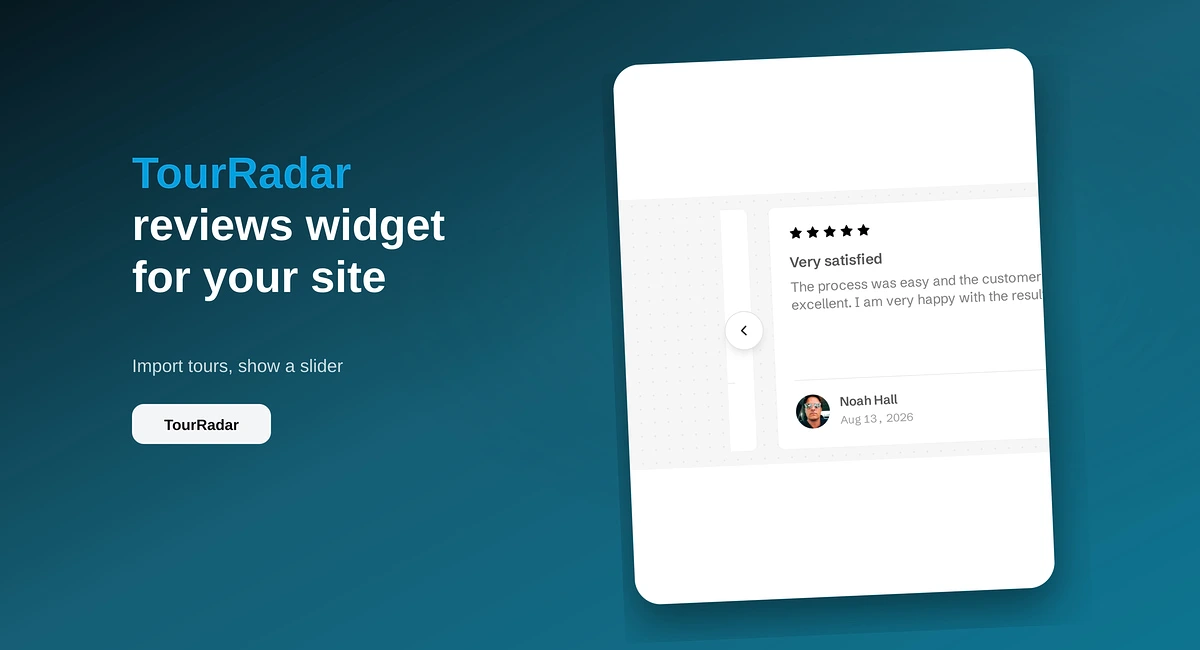
TourRadar Reviews Widget for Your Website
Put TourRadar operator reviews on your direct booking site with ReviewsJet. Chrome extension import, publish, and embed a slider widget.
Show Google, Yelp, and more reviews in one widget with ReviewsJet. Bring sources together, publish once, and display them on your site.

Your customers do not leave every review on Google. Some use Yelp. Others use TripAdvisor, Airbnb, Trustpilot, or a marketplace like Etsy or Amazon. If your website only shows one of those, you are hiding part of the story.
ReviewsJet lets you bring those reviews together and show them in one widget. Connect the platforms that matter for your business, publish the reviews you want, and place a grid, masonry wall, or popup on your site. For a Google-only guide, start with Display Google Reviews on Your Website.
Different people trust different sites. A clinic may live on Google Maps. A restaurant may win on Yelp. A vacation rental may need Airbnb. Showing only one source leaves useful proof sitting somewhere else.
Separate embeds also look messy: different styles, different scripts, and no shared control over what is public. One ReviewsJet widget keeps the look consistent.
You can connect Google, Yelp, TripAdvisor, Airbnb, and Trustpilot by pasting a public page URL. For Etsy, Amazon, AliExpress, and TourRadar, install the Chrome extension and pull reviews while you are signed in on that site. You can also add a review by hand if someone emailed it to you.
Free includes one connected source. Professional includes two. Advanced removes the source cap. Check the Collect screen and pricing when you are close to a limit.
The widget does not create a second review database inside WordPress or Webflow. It shows the published reviews from your ReviewsJet account.
A grid is tidy for a reviews page. Masonry feels denser when you have photos and longer text. A popup keeps reviews available on every page without taking over the design.
On WordPress, most layouts use the ReviewsJet plugin and a shortcode. On Webflow and other HTML sites, you paste the embed from Get the code.
A review widget on your page is social proof for visitors. That is not the same as Google rich results in search. If you want structured data tools, those are on Advanced under Display → Google results. Turn them on when search appearance matters to you.
Free is fine for one source. If you want Google plus Yelp (or another second source), Professional is usually the right next step. Advanced is for higher volume, unlimited sources, daily sync, and richer SEO controls. Numbers are always on pricing.
One more detail people ask about: replies inside ReviewsJet work for reviews you collected with ReviewsJet or added by hand. They do not send replies back to Google or Yelp for imported reviews.
Connect the platforms your customers already use, publish the strongest mix, and put one clear widget on the pages that sell. If you need WordPress shortcode help, use the WordPress Google guide.
Import the reviews your customers already left, choose the ones worth showing, and put them on your site. The free plan does not ask for a card.
Put TourRadar operator reviews on your direct booking site with ReviewsJet. Chrome extension import, publish, and embed a slider widget.
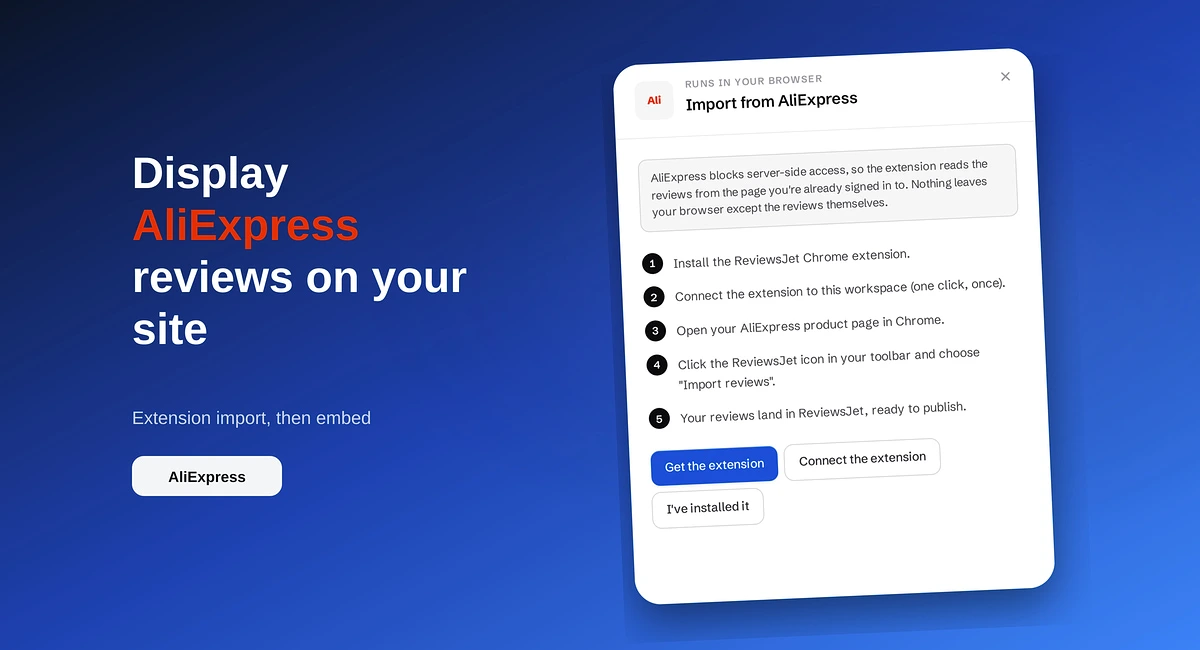
Import AliExpress product reviews with the ReviewsJet Chrome extension, publish photo reviews, and embed a masonry widget on your site.
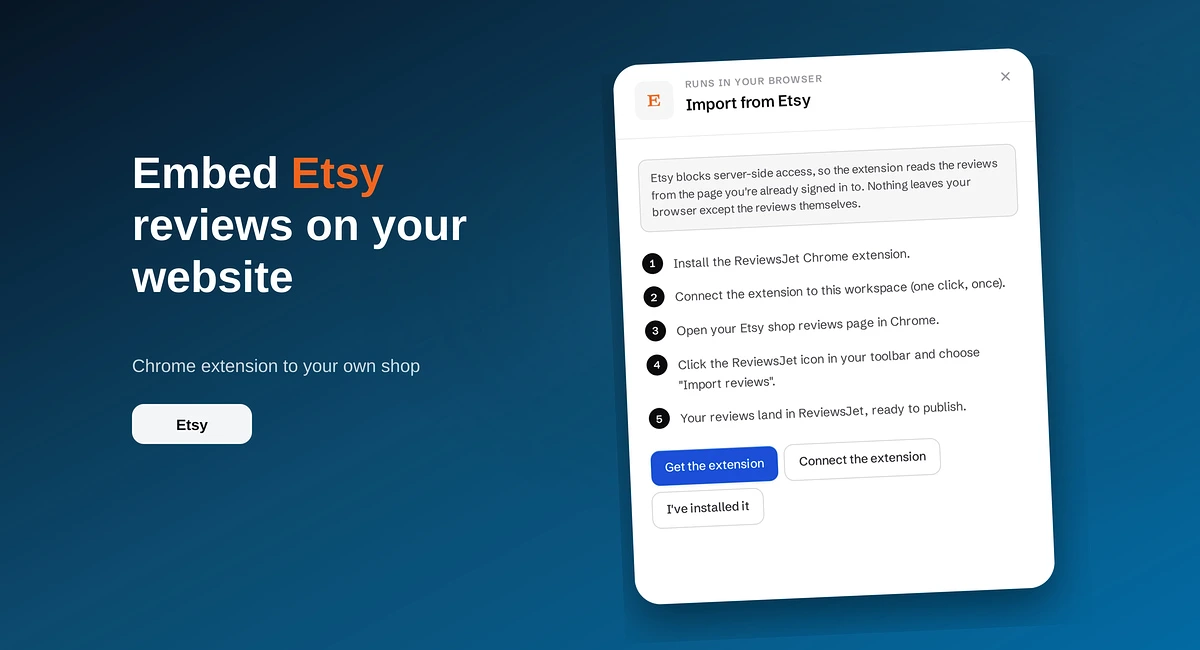
Use the ReviewsJet Chrome extension to bring Etsy shop reviews into your library, then embed a grid widget on your own site.